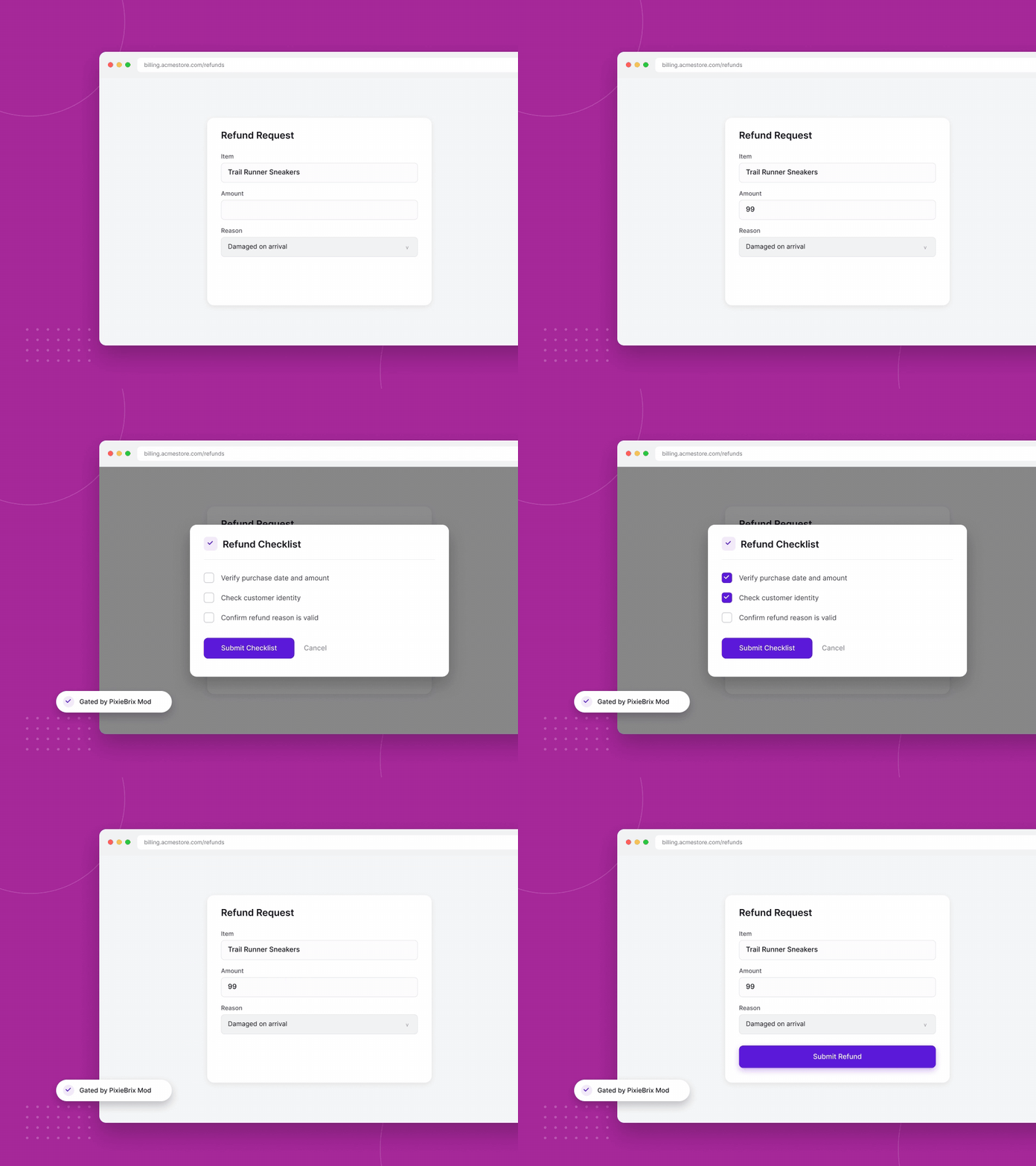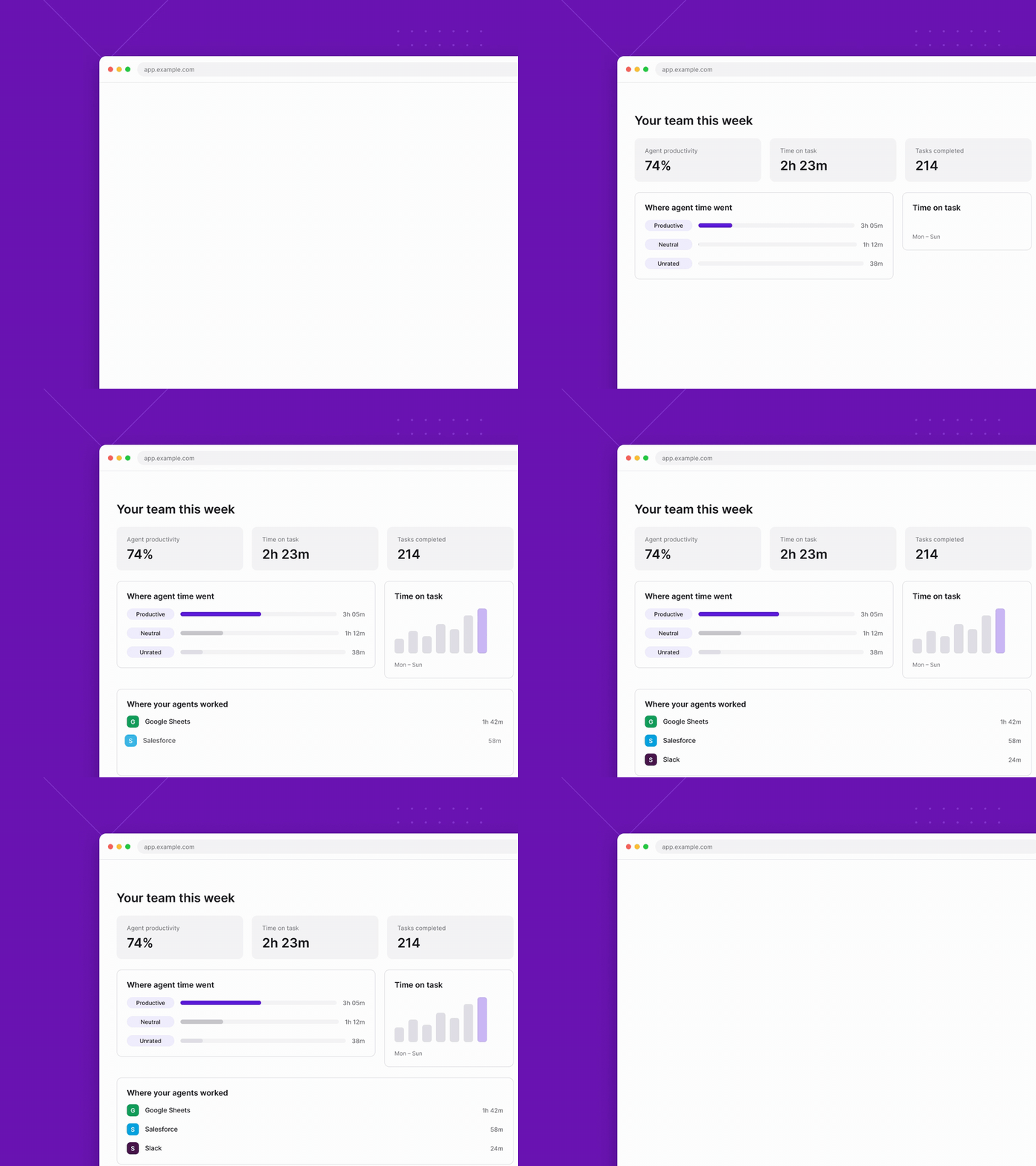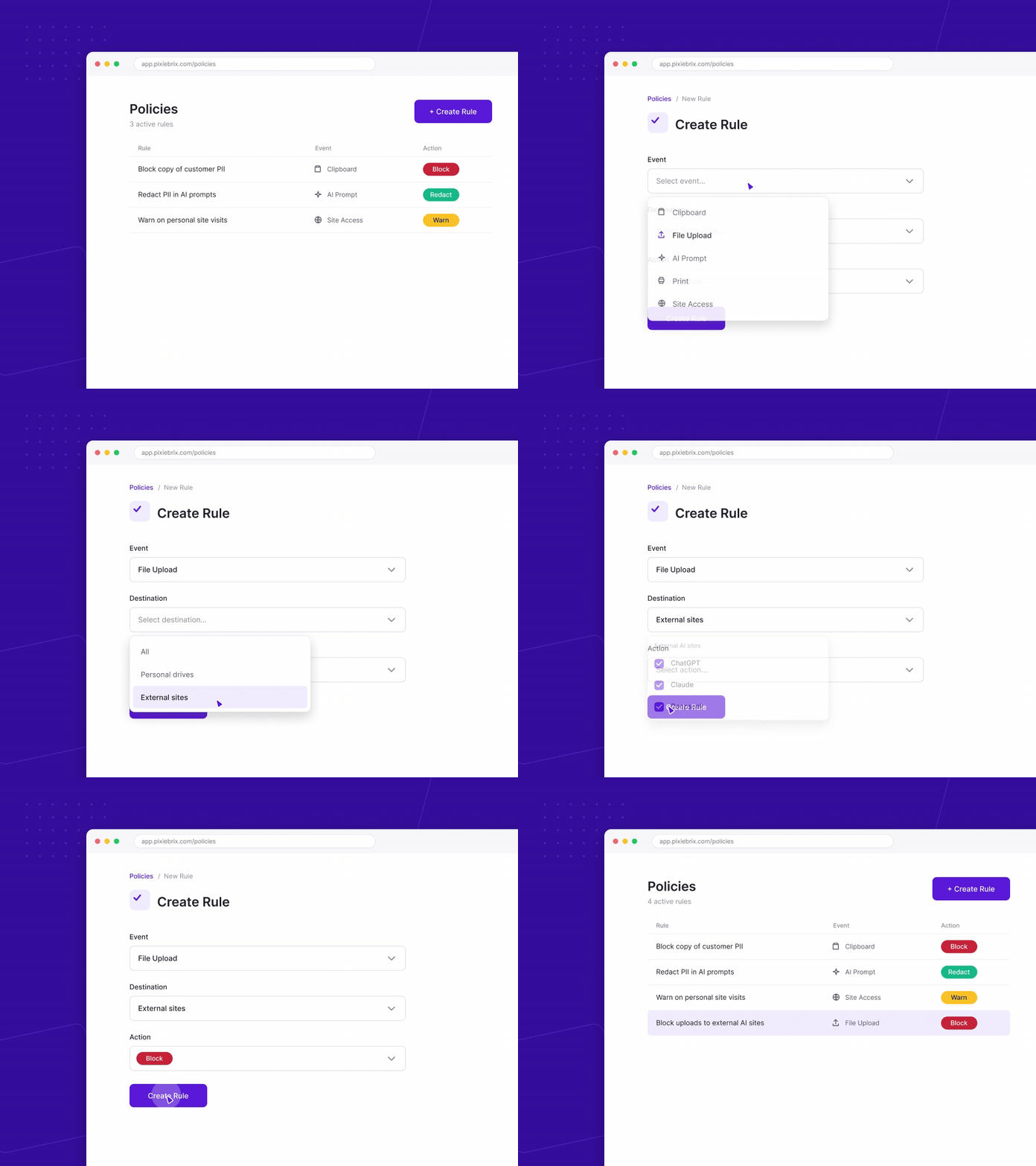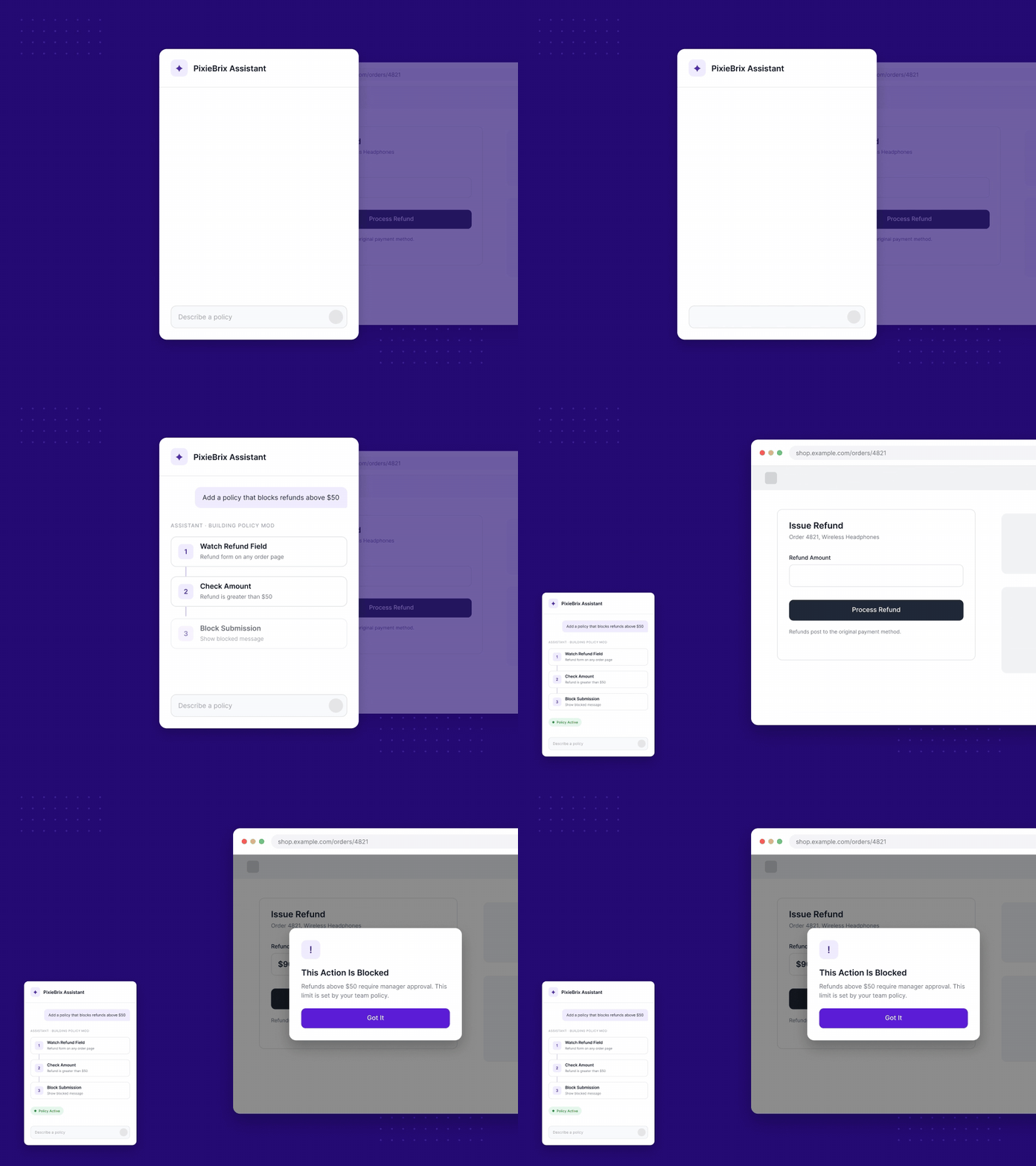
PixieBrix has helped solve one of our hardest operational problems - streamlining communication & product updates across support teams. Tracking and keeping everyone in the loop has yielded better agent performance, customer satisfaction & taken a huge burden off management.
Thatcher Foster
VP, Client Solutions

How does PixieBrix compare to Glean?

Glean is built for enterprise search - powerful when you’re looking for answers. PixieBrix is built for execution - powerful when you’re ready to do something with them. Instead of just surfacing knowledge, PixieBrix embeds AI-powered actions, workflows, and custom UI elements directly inside the browser - turning every SaaS app into a smart, interactive workspace. No context switching. No backend integration. No data risk. If you’re exploring Glean to make knowledge more accessible, take it one step further: make it actionable. That’s where PixieBrix shines - helping teams move from search to solution in a single click.

Primary Function
Enterprise search engine
Workflow Support
Find documents, messages, and knowledge across tools
Where It Lives
Internal browser tab or app
Customization
Limited; mostly admin config
AI Actionability
AI-enhanced search and summarization
Ideal For
Teams needing fast knowledge retrieval across systems
Connects to Your Support Stack
Seamlessly integrates with your CRM, issue tracker, observability system, production environment, and more - so you can automate workflows without replacing your current support infrastructure.
Embed in Any Workflow
Run PixieBrix as a browser extension or standalone web app that embeds directly into your existing applications and workflows - no code changes required.
Custom Actions & Automations
Tap into a growing library of 100+ prebuilt automations, UI components, and data connectors - or build your own logic to match exact team needs.
Bring Your Own LLM
Use any large language model (LLM) behind the scenes - including OpenAI, Claude, Anthropic, Gemini, or your own private model - while maintaining full control over data flow.
Team & Individual Goals
Define AI guidance at every level - from company-wide initiatives to team or individual contributor goals - for a personalized and accountable AI experience.
Private by Design
Your data never touches PixieBrix servers. All data stays local in the browser and is sent only to the LLM endpoint you configure, ensuring maximum privacy and compliance.
What is PixieBrix?

PixieBrix is a low-code platform to create and run custom browser mods that boost your productivity.

How does PixieBrix work?

Once you install the PixieBrix Chrome extension, you can create mods with the Page Editor using building blocks - called bricks - to customize and automate your web experience. You can also get started with prebuilt mods in the public marketplace.

Can I use PixieBrix with my team?

Yes, Teams enable multiple accounts to share mods, service integration credentials, team databases, and more. Here’s our documentation on Teams.

Support Complexity is Overwhelming Your Team

Browser-Based Workflow Automation
Automate repetitive tasks inside the apps you already use - no context switching required.
PixieBrix goes beyond search by letting you trigger custom workflows directly within tools like Salesforce, HubSpot, and internal systems.
Custom Sidebar Integration & Data Enrichment
See everything in one view - surface insights from multiple systems alongside any webpage.
With PixieBrix’s sidebar, your team gets real-time context from CRMs, support platforms, and knowledge bases - all without leaving the browser.
No-Code Workflow Builder with AI Integration
Build intelligent workflows without code - automate actions, trigger AI, and connect your stack. PixieBrix gives you full control to design and deploy powerful business logic that streamlines processes and puts AI to work, your way.

Ready for AI productivity at scale?

We’ve helped enterprise clients 10x productivity. We can do it for you, too.
2026 PixieBrix, Inc.