PixieBrix has helped solve one of our hardest operational problems - streamlining communication & product updates across support teams. Tracking and keeping everyone in the loop has yielded better agent performance, customer satisfaction & taken a huge burden off management.
Thatcher Foster
VP, Client Solutions

How does PixieBrix compare to Island Browser?

Island is built for control - a full enterprise browser with security, DLP, and policy baked in. PixieBrix is built for reach - in-page guardrails and workflow automation delivered as a lightweight extension in Chrome, Edge, or even Island itself. There's no browser migration, no user retraining, and no all-or-nothing rollout: deploy to one team or one workflow at a time. If you're evaluating Island to lock down browser-based work, PixieBrix gets you protection plus productivity - clipboard blocking, PII masking, justification prompts, and AI-powered automation - without asking anyone to switch browsers. And they pair well: PixieBrix runs happily inside Island, too.

Primary Function
Secure enterprise browser
Workflow Support
Policy enforcement and data controls inside a replacement browser
Where It Lives
A separate Chromium-based browser users switch to
Customization
Admin security policies; limited in-page workflow customization
AI Actionability
Built-in assistant and admin policy automation
Ideal For
Orgs ready to standardize everyone on a new browser
Revenue protection
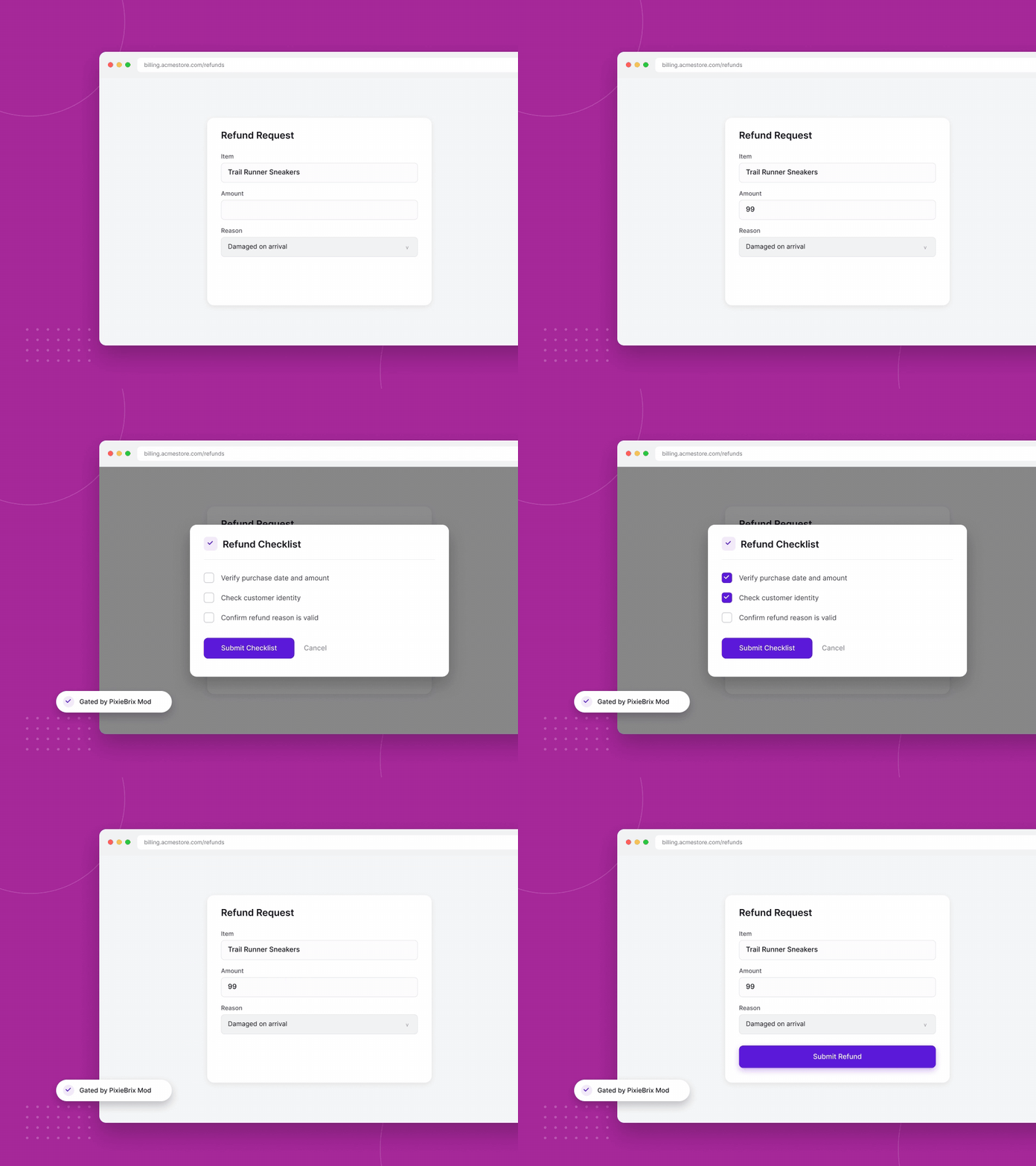
Refund & discount integrity
Loyalty points fraud
Shipping fraud
Payment card masking
Account Abuse
Transaction match
Snooping
Data Exfiltration
Account takeover facilitation
Investigation & Audit
Audit Log
Screen Monitoring
Anomaly Detection
MCP data access
Lightweight to Deploy
Deploys as a lightweight browser extension in Chrome, Edge, or Island
Policy Engine
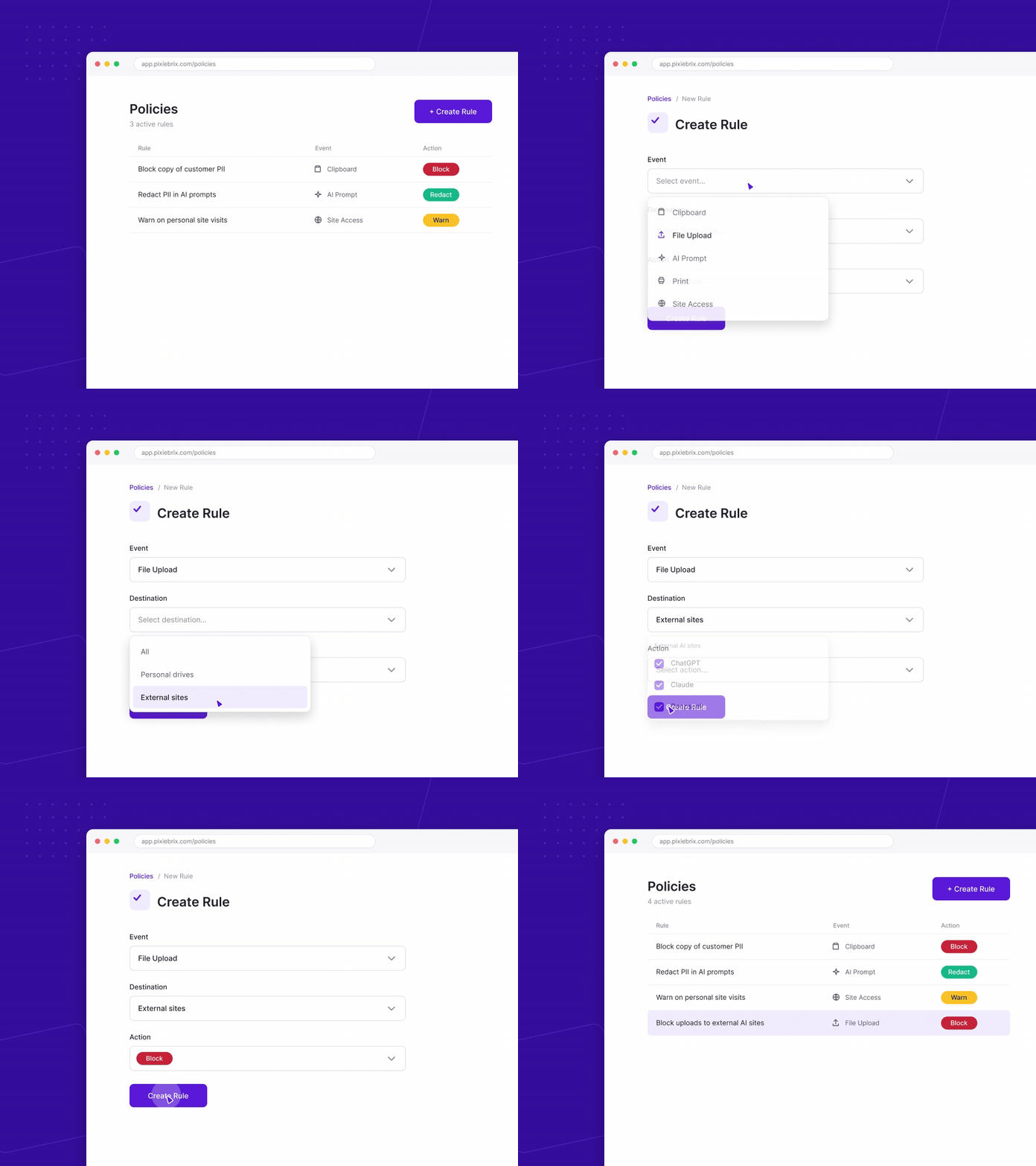
Point-and-click rules, live in minutes.
AI Policy Development
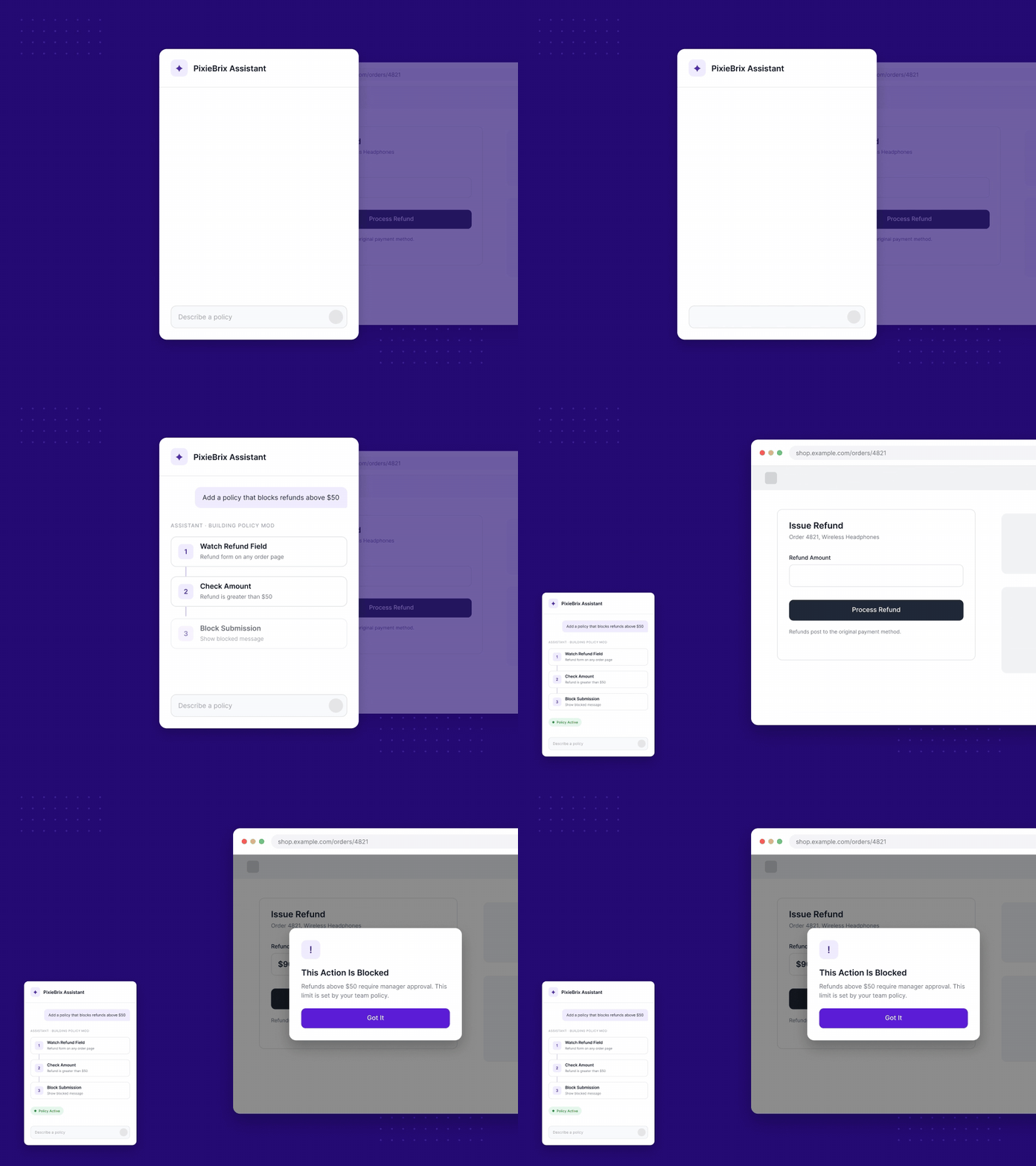
Custom logic embedded in exact workflows.
What is PixieBrix?

PixieBrix is a low-code platform to create and run custom browser mods that boost your productivity.

How does PixieBrix work?

Once you install the PixieBrix Chrome extension, you can create mods with the Page Editor using building blocks - called bricks - to customize and automate your web experience. You can also get started with prebuilt mods in the public marketplace.

Can I use PixieBrix with my team?

Yes, Teams enable multiple accounts to share mods, service integration credentials, team databases, and more. Here’s our documentation on Teams.

Support Complexity is Overwhelming Your Team

Browser-Based Workflow Automation
Automate repetitive tasks inside the apps you already use - no context switching required.
PixieBrix goes beyond search by letting you trigger custom workflows directly within tools like Salesforce, HubSpot, and internal systems.
Custom Sidebar Integration & Data Enrichment
See everything in one view - surface insights from multiple systems alongside any webpage.
With PixieBrix’s sidebar, your team gets real-time context from CRMs, support platforms, and knowledge bases - all without leaving the browser.
No-Code Workflow Builder with AI Integration
Build intelligent workflows without code - automate actions, trigger AI, and connect your stack. PixieBrix gives you full control to design and deploy powerful business logic that streamlines processes and puts AI to work, your way.

Ready for AI productivity at scale?

We’ve helped enterprise clients 10x productivity. We can do it for you, too.
2026 PixieBrix, Inc.